Your week, written for you. Winter Calendar turns your schedule into a short briefing instead of a grid, with on-device Apple Intelligence doing the writing. Your calendar never leaves your phone.
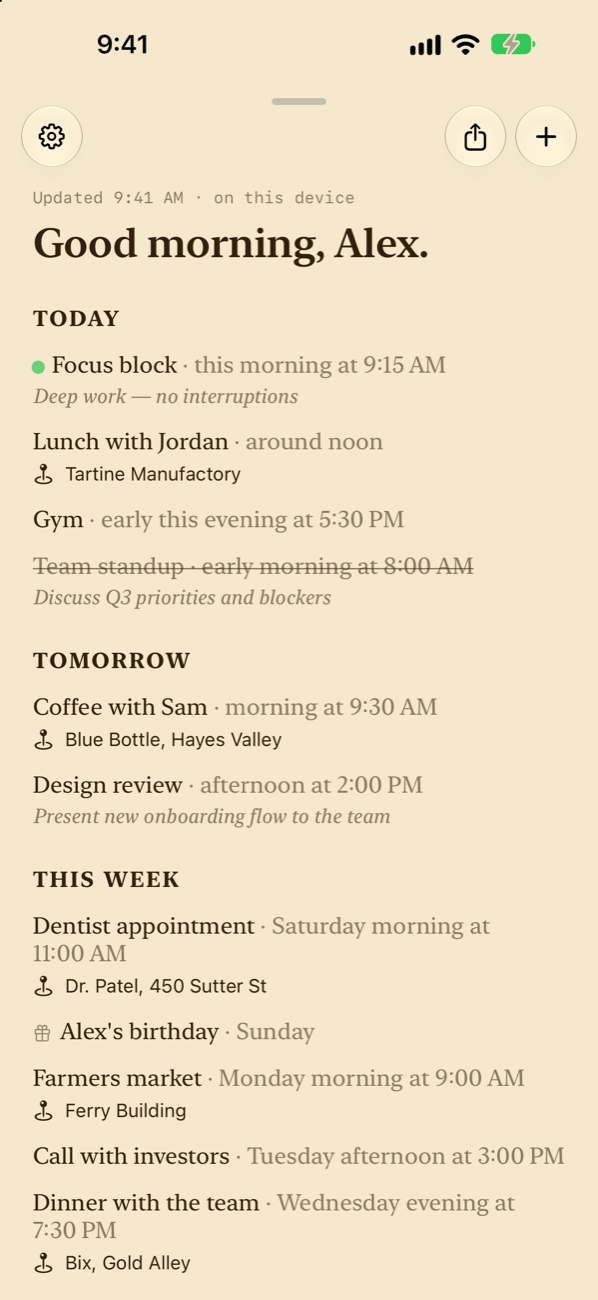
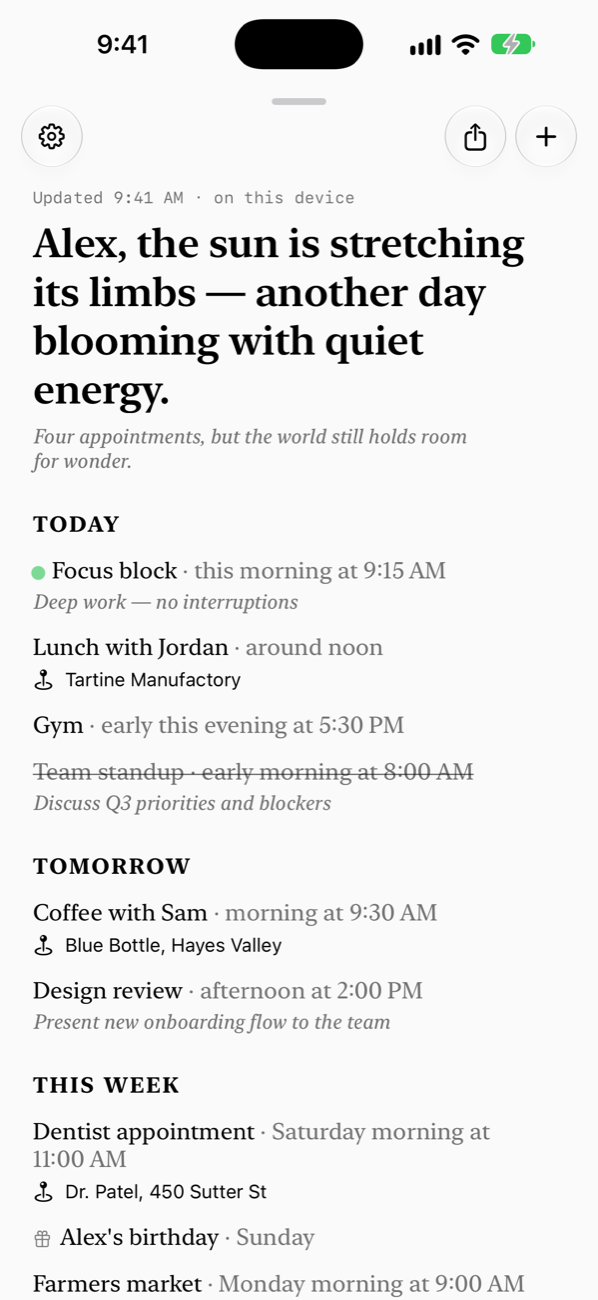
Your events are set out as Today, Tomorrow, and This Week, in plain sentences with human times like "around noon" or "early this evening." Apple Intelligence on your device tidies each title and adds a short note when there's something worth knowing, like where to go or what to bring.
What's happening now gets a pulsing dot, what's next comes after it, and finished events are struck through and moved down. In the evening, a short note previews tomorrow so you go to bed knowing how it starts.
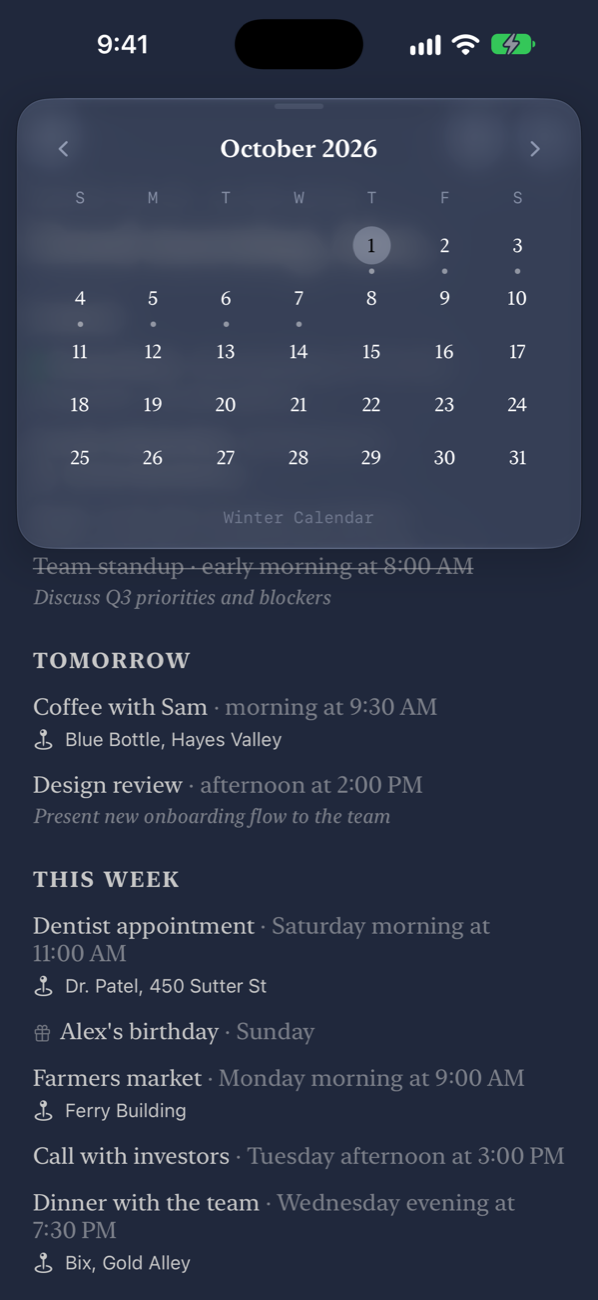
Pull down from the top to drop in a month calendar, with a dot on every day that has something on it. Swipe between months, then tap outside to get back to your week.
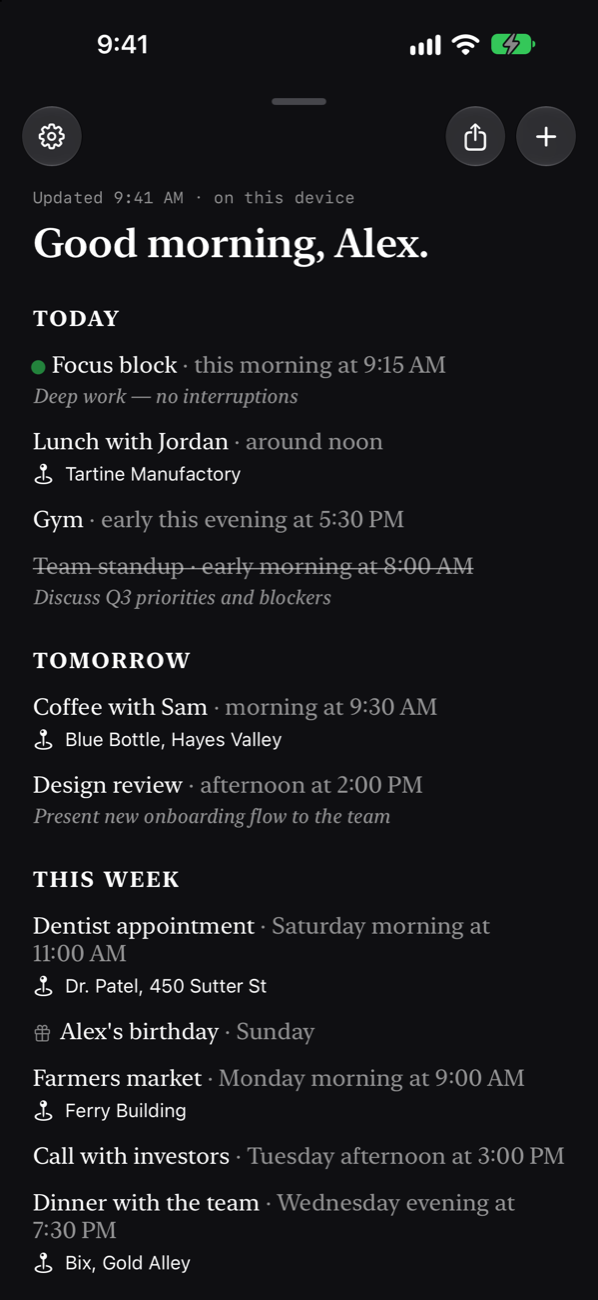
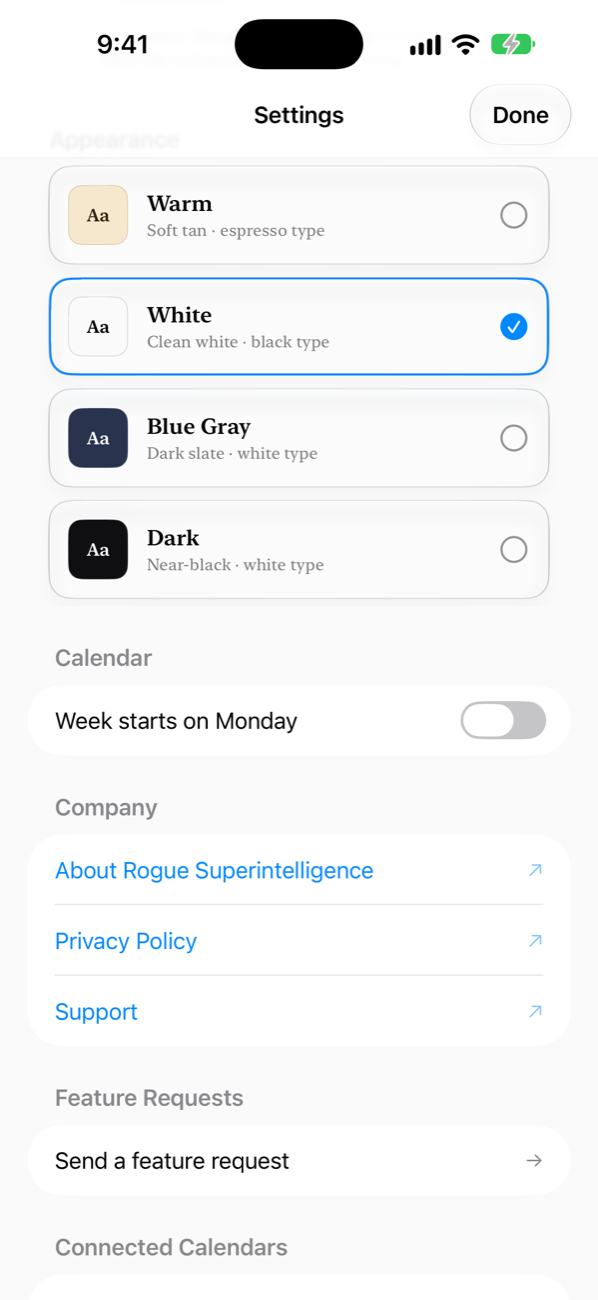
Choose Warm, White, Blue Gray, or Dark. Each one sets the paper and the type together, so the whole app, from the editorial to the month view, reads like one page.
All the writing happens on your iPhone with Apple Intelligence. Your schedule is never sent to a server.
Tap + and describe it, like "dinner with Sam Friday at 7." The date, time, and place are filled in for you.
Press and hold any event to edit it, delete it, or ask a question about it.
Put your day on the Home Screen: what's on now and next, today's date, a mini month, or the full editorial.
Export the editorial as Markdown or plain text to paste into notes, a message, or a doc.
Works with the calendars already on your iPhone, including iCloud, Google, and Exchange. No account to make.
Winter Calendar is coming soon as a free download on the App Store for iPhone and iPad.